 HeyDrop
Share files over Wi-Fi
Share files between Android and Windows over the same Wi-Fi network
The Google Play release is being prepared. The description below covers the planned ad-supported Android release. Downloads and purchases are not available on this page yet.
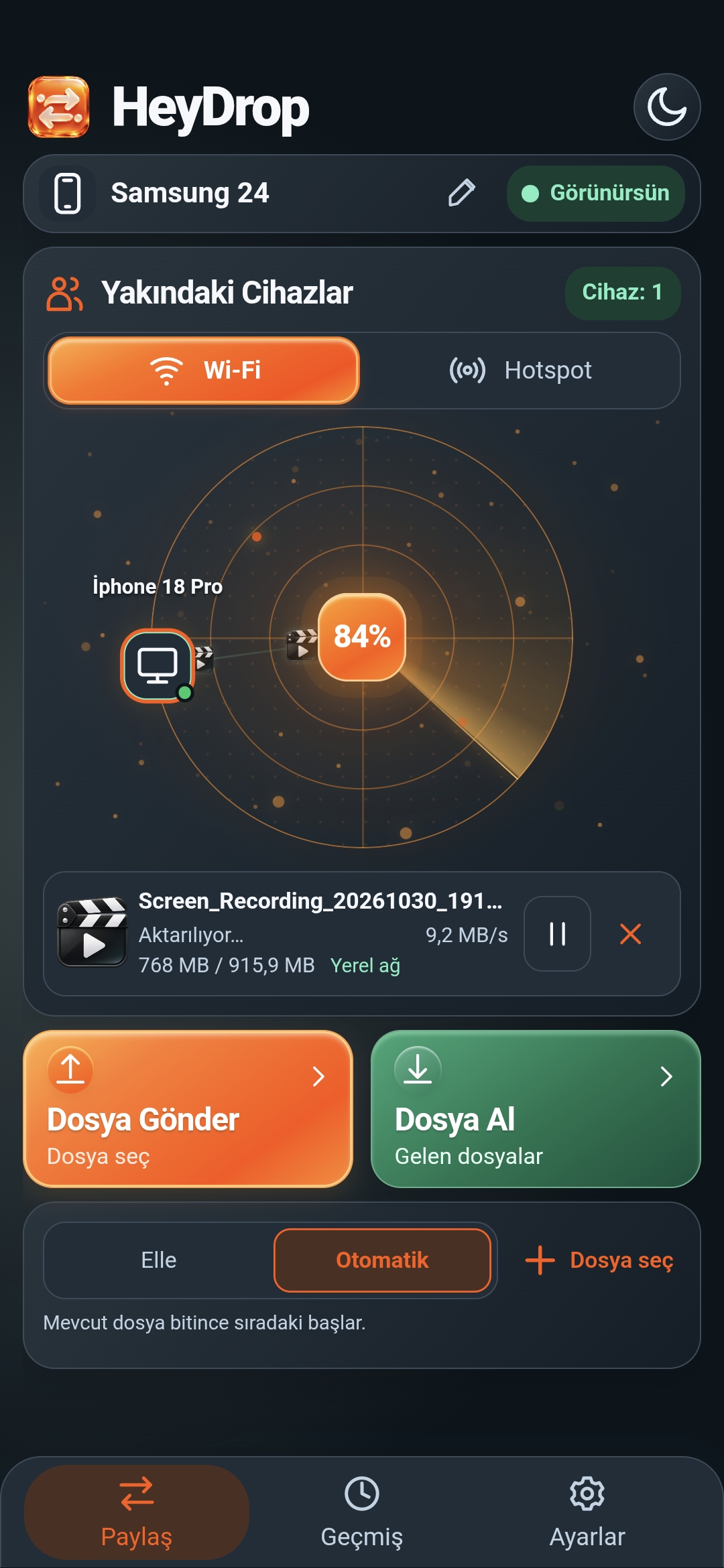
Keep track of your transfers
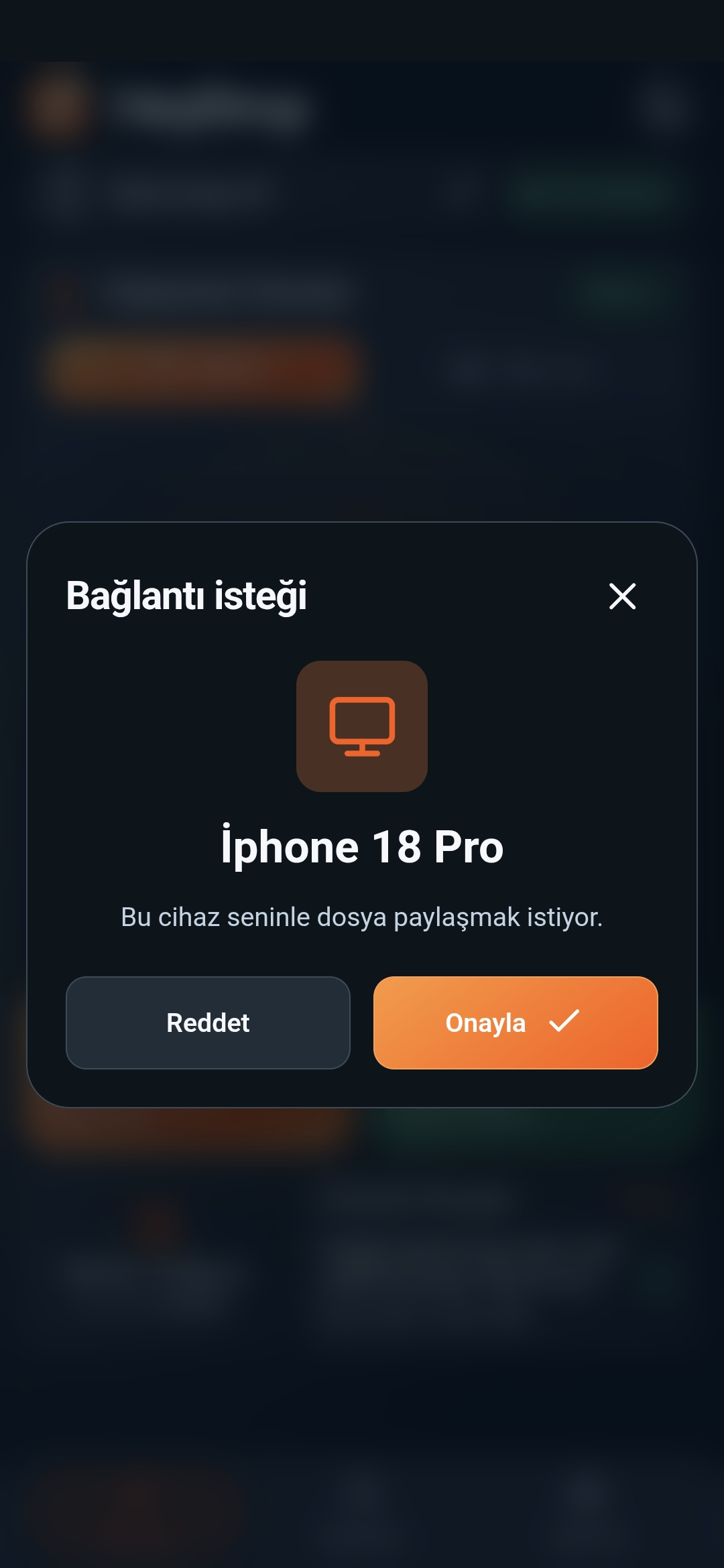
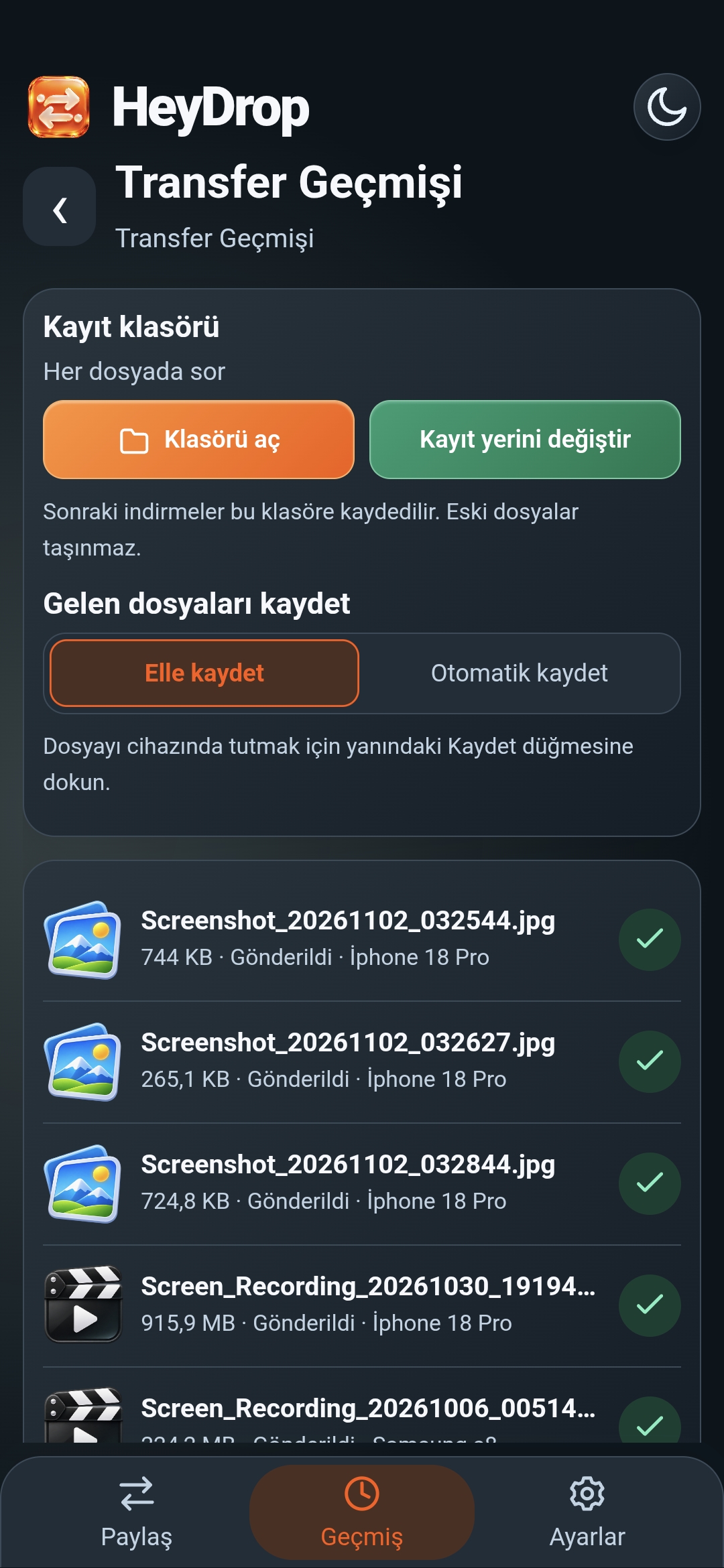
These genuine screenshots show the Turkish interface.
HeyDrop
Transfer files from your phone to your computer, from your computer to your phone, or between two Android devices with HeyDrop. Share photos, videos, music and documents with a device you choose on the same local network.
Move files without a cable Connect both devices to the same Wi-Fi network or a phone hotspot. Open HeyDrop, select a recipient and send a connection request. Once the other person accepts, you can start sharing files.
Android, Windows and browser access Share between Android devices or between Android and Windows. The Windows version is distributed separately and is free. To join from a browser, open the local page or QR link of a HeyDrop device already running on the same network. A browser does not independently discover nearby devices.
Keep track of your transfers • View file transfer progress • Pause and resume supported transfers • Get a warning before resending the same file to the same recipient • View received files and transfer history • Save files to a location you choose using the system file picker • Verify file integrity with SHA-256 checks
Use your preferred language Choose from 40 language and writing options. Switch between light and dark themes and adjust app sounds and vibration.
Local file transfer File transfers do not use a central cloud-upload server. Local transfers can work without an internet connection, but devices must be able to reach each other over the same Wi-Fi or hotspot network. Guest networks or client isolation may prevent connections.
Ads and optional ad-free use The Android version contains ads. An optional monthly auto-renewing subscription removes ads from the Android app. The current price, billing period and terms are shown before purchase. You can manage or cancel your subscription through Google Play. Ads and purchases use internet access. The Windows version is free and does not require an Android subscription.
Security and connection details This version uses local HTTP for file transfers and does not provide end-to-end encryption. SHA-256 verifies file integrity; it does not encrypt files. Use a trusted private network. Actual transfer speeds depend on your network, devices and files.
Developer: BOZKURT Games Support: support@bozkurtgames.com Website: https://bozkurtgames.com/
Frequently asked questions
Can I transfer files without internet?
Yes. Connect both devices to the same local Wi-Fi or phone hotspot. Transfers do not require uploading to a central cloud server. Advertising and Google Play purchases require internet access.
Is the Windows version downloaded from Google Play?
The Windows app is distributed separately. The Google Play listing is for Android. Windows remains free and does not require an Android subscription.
How do devices connect?
Find devices running HeyDrop on the same network, choose a recipient and wait for approval. A supported browser can also join through the local address or QR link shown by a running HeyDrop device.
Are transfers encrypted?
This version uses local HTTP and does not provide end-to-end encryption. SHA-256 checks transfer integrity. Use a trusted private network.
How will ads and subscriptions work?
The planned Android release will show full-screen video ads at natural breaks after transfers, with at least two minutes between ads. An optional monthly subscription will remove Android ads. Purchases are not open yet; the applicable price and renewal terms will appear in Google Play before purchase.