
Layout matters as much as screen size
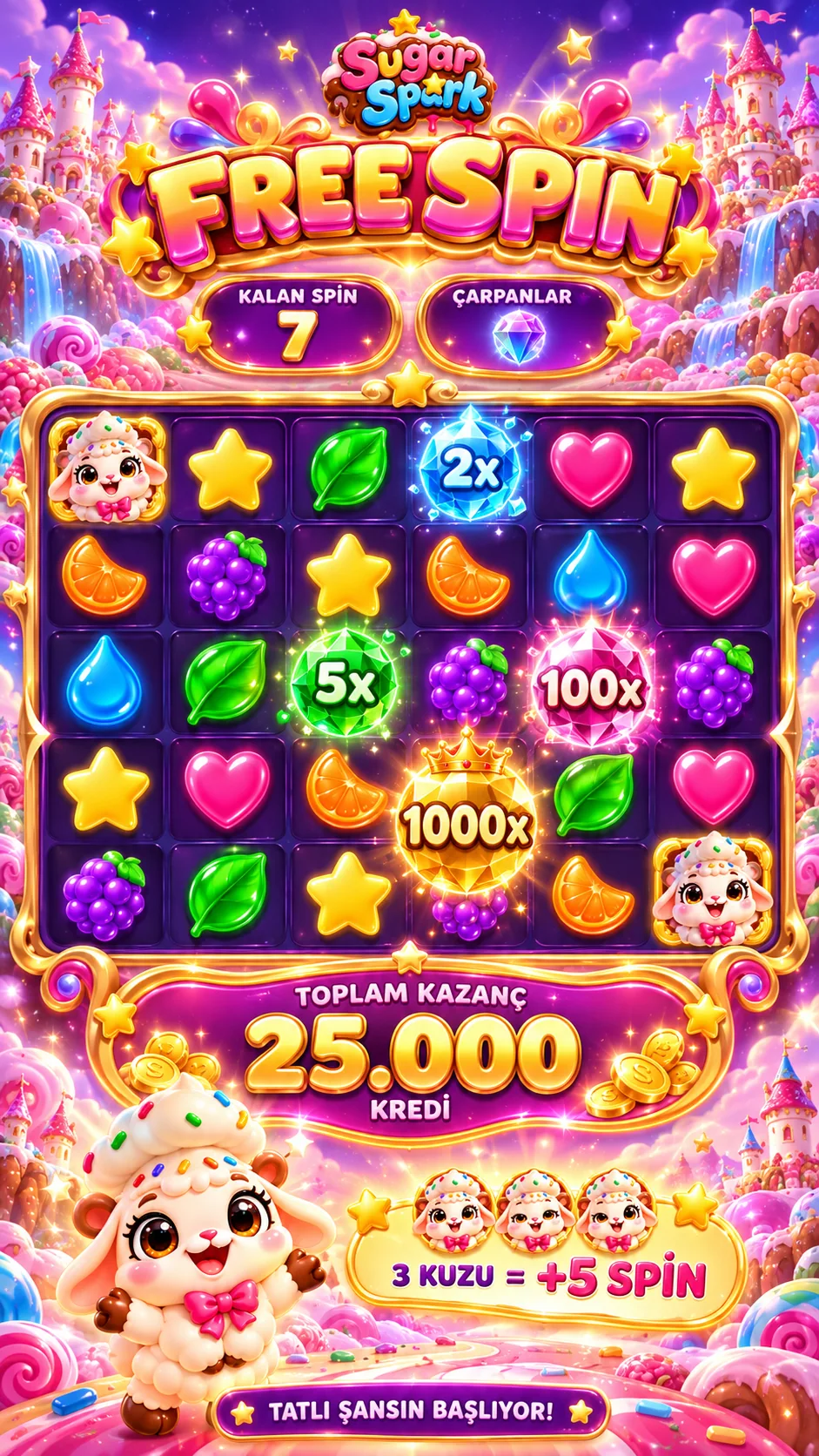
A game looking good on a large phone is only part of the job. On smaller screens, move counts, level objectives and the board should remain readable together. Screen proportions vary across Android and iPhone devices, so flexible layouts help more than fixed pixel positions. In Sugar Spark, we are focusing on keeping the board and information panels from overlapping.
Tapping and dragging feel different
In a matching game, players may select one symbol and tap its neighbour, or drag directly. Both gestures should lead to the same result consistently. A very short drag should not trigger an unwanted move, and an invalid swap should return symbols clearly. These details can make a game easier to learn than lengthy instructions.
Effects should explain the game
Explosions, multipliers and reward messages add excitement, but they should not hide objectives. Sound effects should remain balanced, animations should be short and players should understand when the next move is available. That is why separating objectives from reward moments matters in our work on Sugar Spark.
Saved progress and changing devices
Progress stored on a device or in a browser differs from progress synchronised with a cloud account. Removing an app or clearing browser data may affect local saves. Before switching devices, check how that release saves progress. A feature existing on Android does not mean an iPhone release is available; this site shows each product’s release status separately.